
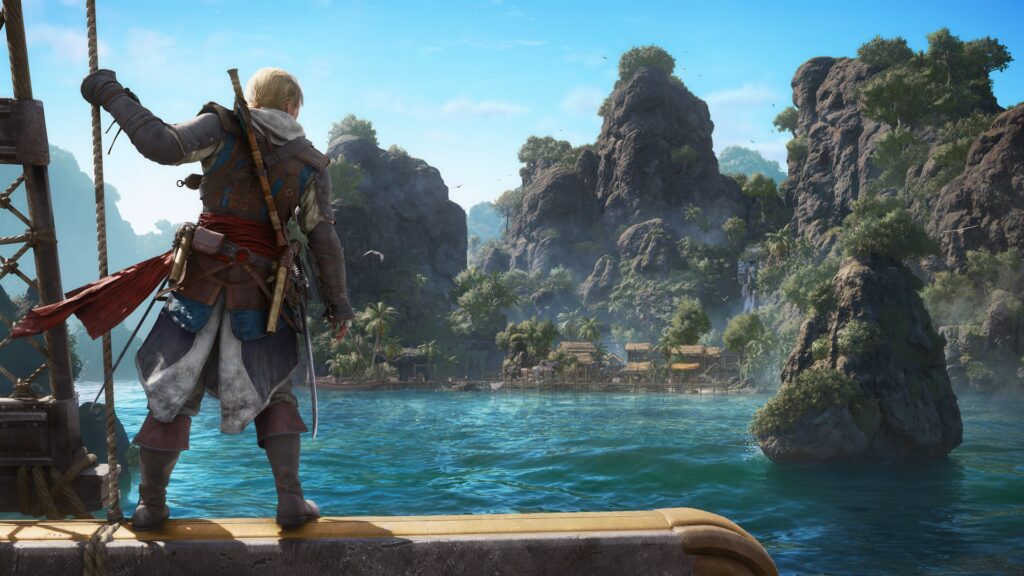
Use this Assassin’s Creed Black Flag Resynced beginner guide to set up the remake before you leave port, pick sensible performance and accessibility options, learn the first-hour priorities, and avoid wasting resources on the wrong upgrades.
Quick Overview
| Game | Assassin’s Creed Black Flag Resynced |
|---|---|
| Platforms | PS5, Xbox Series X|S, PC |
| Guide type | Beginner Guide / Best Settings |
| Best first setting pass | Performance, subtitles, aim assist, Pathfinder, motion comfort, QTE behavior and difficulty split by activity. |
| Best early route | Follow the story until the Jackdaw and wider Caribbean systems open, then begin upgrading ship survivability and storage before hard naval fights. |
| Spoiler level | Low. This guide avoids late-story mission details. |
Start Here: Best Settings Before You Play
Black Flag Resynced lets you adjust important options during first boot, so do this before starting the opening sequence.
- Choose a performance target first. On PS5, start with Performance mode if you value smooth combat, parkour and naval aiming. Use Fidelity if image quality matters more than responsiveness. Use Balanced only if your display supports 120hz.
- Turn on subtitles and useful captions. Enable speaker names, readable subtitle size and gameplay captions if you want sound cues like nearby loot, docking prompts or combat warnings to be easier to follow.
- Set difficulty by activity, not pride. If sword fighting feels fine but naval combat is too punishing, lower naval difficulty only. Ubisoft built separate difficulty controls for ground, naval, activity and stealth gameplay.
- Use Pathfinder while learning the map. Pathfinder draws an in-world route to your active quest or marker on land and at sea. Keep it on early, then turn it off later if you prefer exploration.
- Reduce visual discomfort early. If ship combat or storms feel busy, reduce motion blur, screen shake and camera effects. Ubisoft also removed the original naval camera sway by default.
- Pick a control feel. If you played older Assassin’s Creed games, try the advanced parkour/manual jump options. If you are new, start with the modern-feeling defaults and only remap once something bothers you repeatedly.
Recommended Beginner Settings
These settings keep the game readable and responsive without removing the pirate-adventure feel.
| Setting Area | Recommended Start | Why It Helps |
|---|---|---|
| Graphics Mode | Performance on console; medium/high target on PC based on your hardware | Combat parries, parkour interrupts and naval aiming all benefit from a stable frame rate. |
| Pathfinder | On for your first few hours | The Caribbean opens quickly. Pathfinder prevents wasted sailing while you are still learning icons, ports and mission markers. |
| Autopilot | Use for long sea routes, not for combat approach | Autopilot can follow the GPS path, but you should take manual control before restricted waters, storms or enemy ships. |
| Aim Assist | Light or Moderate | Enough help for firearms and ship aiming without making every fight feel automatic. Full is useful if aiming is a barrier. |
| QTEs | Skip or simplify if rapid inputs are uncomfortable | Resynced supports skipping quick-time events, which makes boarding and action sequences easier to handle. |
| Subtitles / Captions | On, with speaker names and a readable size | Dialogue, shanties, stealth cues and combat information are easier to track in noisy ship battles. |
| Motion Blur / Screen Shake | Reduce or disable if you feel strain | Naval combat, storms and parry effects can become visually busy during long sessions. |
| Area Loot | On if cleanup feels slow | Looting nearby bodies with a single button press keeps stealth camps and ship boarding from becoming menu work. |
First-Hour Route
Do not turn the opening hours into a completion checklist. Unlock the major systems first, then return for map cleanup.


Beginner Combat and Stealth Tips
Resynced keeps Edward flexible: you can sneak, brawl, board ships and escape across rooftops. The trick is knowing when to stop forcing one approach.
Use stealth until the alarm is worth it
Crouch-anywhere and improved shadows make stealth more reliable than in the original game. Approach forts, warehouses and restricted areas from cover, tag useful patrol routes with Eagle Vision, and break line of sight before fighting a whole camp.
Do not ignore parries
Ubisoft describes Resynced combat as a new parry-driven system. Treat parries as your safest opening, especially before you buy stronger weapons or defensive upgrades.
Use dive-anywhere for coastal approaches
If a location sits near the water, try approaching from the sea instead of walking through the front gate. Dive-anywhere makes coastal stealth routes more flexible.
Leave if the fight becomes messy
You do not have to finish every fight where it starts. Smoke, rooftops, water and ship movement all create escape routes. Resetting a bad encounter is faster than burning remedies and losing sync.
Best Early Upgrade Priorities
Exact costs can vary by progression, but the early logic is simple: survive longer, carry more, then hit harder.
| Priority | Upgrade Focus | Why |
|---|---|---|
| 1 | Jackdaw hull and survivability | More health gives you room to learn naval timing without restarting fights constantly. |
| 2 | Storage capacity | More cargo space means fewer wasted resources when you are plundering small ships. |
| 3 | Broadside damage | Most naval fights are decided by reliable broadside windows. |
| 4 | Mortar / alternate fire | Useful once you understand distance, movement and enemy ship patterns. |
| 5 | Edward gear and remedies | Helpful for boarding and stealth mistakes, but do not starve the Jackdaw for small personal upgrades. |
PC and Console Settings Notes
Use these as a starting point, then tune based on your display and hardware.
PS5 and PS5 Pro
Ubisoft lists three PS5 graphics modes: 60 FPS Performance, 30 FPS Fidelity, and 40 FPS Balanced for 120hz displays. Start with Performance for the smoothest play. Switch to Fidelity if you mainly want the strongest image quality and do not mind lower responsiveness.
PC
Ubisoft’s minimum PC target is 1080p/30 FPS on low settings with a 16GB RAM and SSD requirement. The recommended 1080p/60 FPS target lists 16GB RAM and GPUs such as RTX 3060, RX 6600 XT or Intel Arc B580. If you are near the minimum, lower ray tracing and use upscaling before lowering resolution too far.
Handheld PCs
Ubisoft says Resynced includes dedicated graphics presets for handheld devices. Use the handheld preset first, then adjust upscaling and frame limit after you confirm battery drain and heat.
Beginner Mistakes to Avoid
- Do not chase every collectible immediately. Wait until you have more fast travel, ship tools and map knowledge.
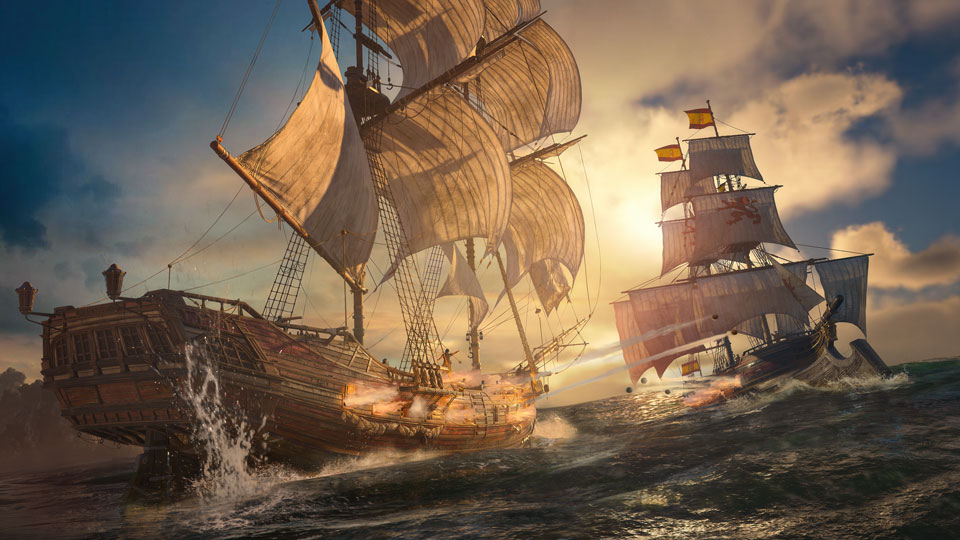
- Do not fight every ship you see. Early naval overconfidence wastes time. Farm easier ships, upgrade, then return.
- Do not ignore accessibility presets. They are not only for disability support; they are also a quick way to reduce friction and tune the game to your play style.
- Do not keep a setting just because it is default. Pathfinder, aim assist, QTE behavior, motion effects and difficulty splits are there to be customized.
- Do not spend all resources on Edward first. The Jackdaw controls how comfortably you can explore the Caribbean.
Sources and Image Credits
Assassin’s Creed Black Flag Resynced and related visuals are property of Ubisoft. Guide images use official Ubisoft screenshots from the Black Flag Resynced media and fan-kit pages, resized only for web performance where needed. Settings, accessibility, platform and PC-spec notes were checked against Ubisoft News, Ubisoft’s official Black Flag Resynced page, PlayStation’s game page and the PlayStation Store listing.
Official references: Ubisoft launch guide, Ubisoft accessibility spotlight, PlayStation game page.
Beginner Guide and Settings FAQ
What is the best graphics mode for Assassin’s Creed Black Flag Resynced?
Start with Performance mode on console if you want smoother combat, parkour and naval aiming. Use Fidelity if you prefer image quality over responsiveness, or Balanced if you have a 120hz display.
Should beginners turn on Pathfinder?
Yes, at least for the first few hours. Pathfinder gives land and sea route guidance to your active marker, which helps while you are still learning the Caribbean map.
Can I make naval combat easier without lowering everything?
Yes. Ubisoft says Resynced supports separate difficulty settings for naval, ground, activity and stealth gameplay, so you can lower naval difficulty while keeping other parts of the game normal.
What should I upgrade first?
Prioritize the Jackdaw’s hull, storage and broadside damage before spending heavily on smaller personal upgrades. A stronger ship makes exploration, resource farming and story progression smoother.
Is Assassin’s Creed Black Flag Resynced playable offline?
Ubisoft says the game needs a one-time online connection to download and install, but the full main experience is playable offline afterward. Online Animus Hub features still require an internet connection.
Do I need to play other Assassin’s Creed games first?
No. PlayStation’s official page notes that Black Flag Resynced can be enjoyed as a standalone adventure, even though broader Assassin and Templar themes connect it to the larger series.